Why Opal Looks Different in Photos (and How to Judge It Online)
Opal looks different in photos because its colour depends on the angle of light, and cameras and screens only catch part of it. Here is why, and how to judge an opal online.
About Opal · By Stephanie Caruana ·
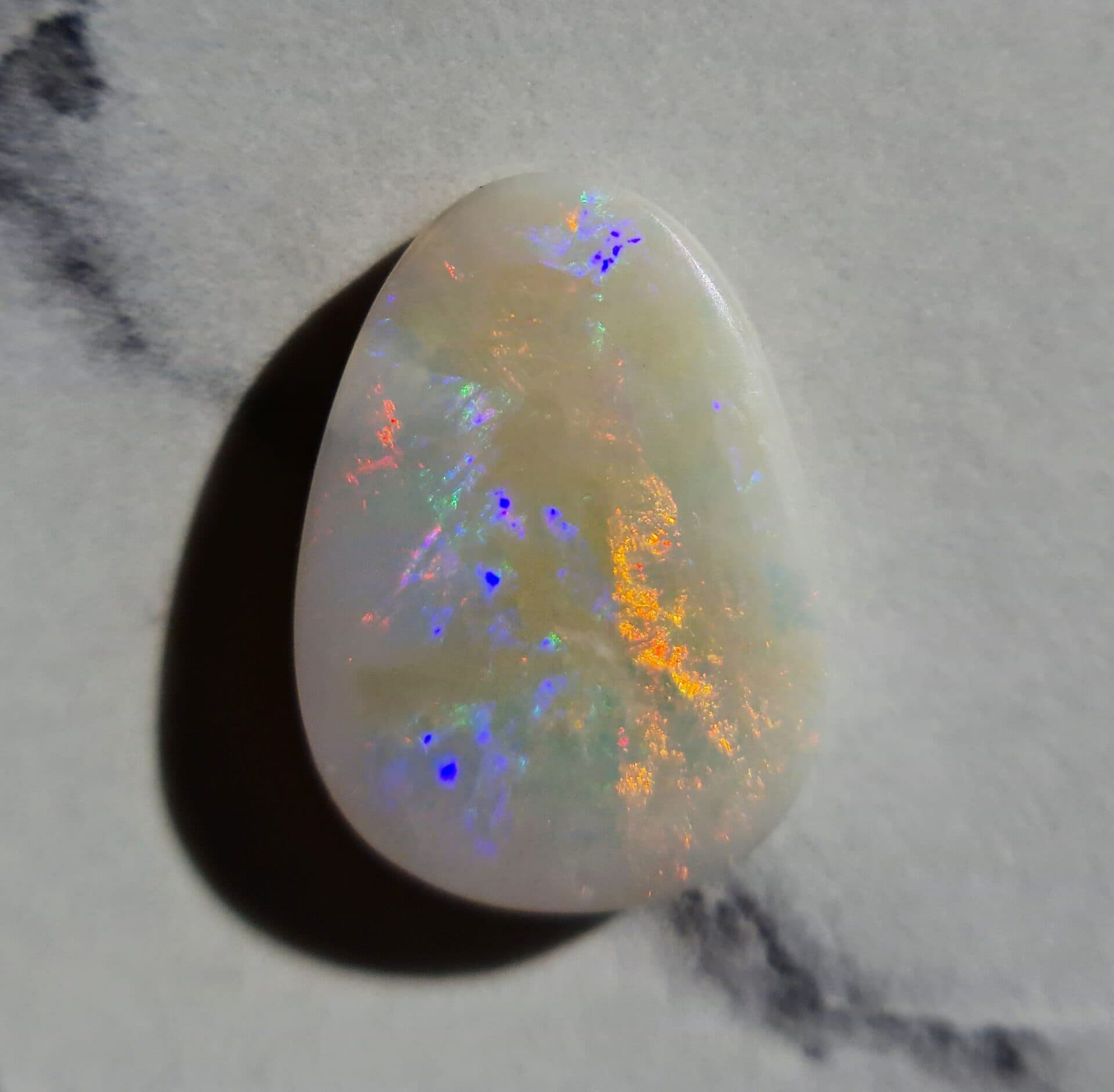
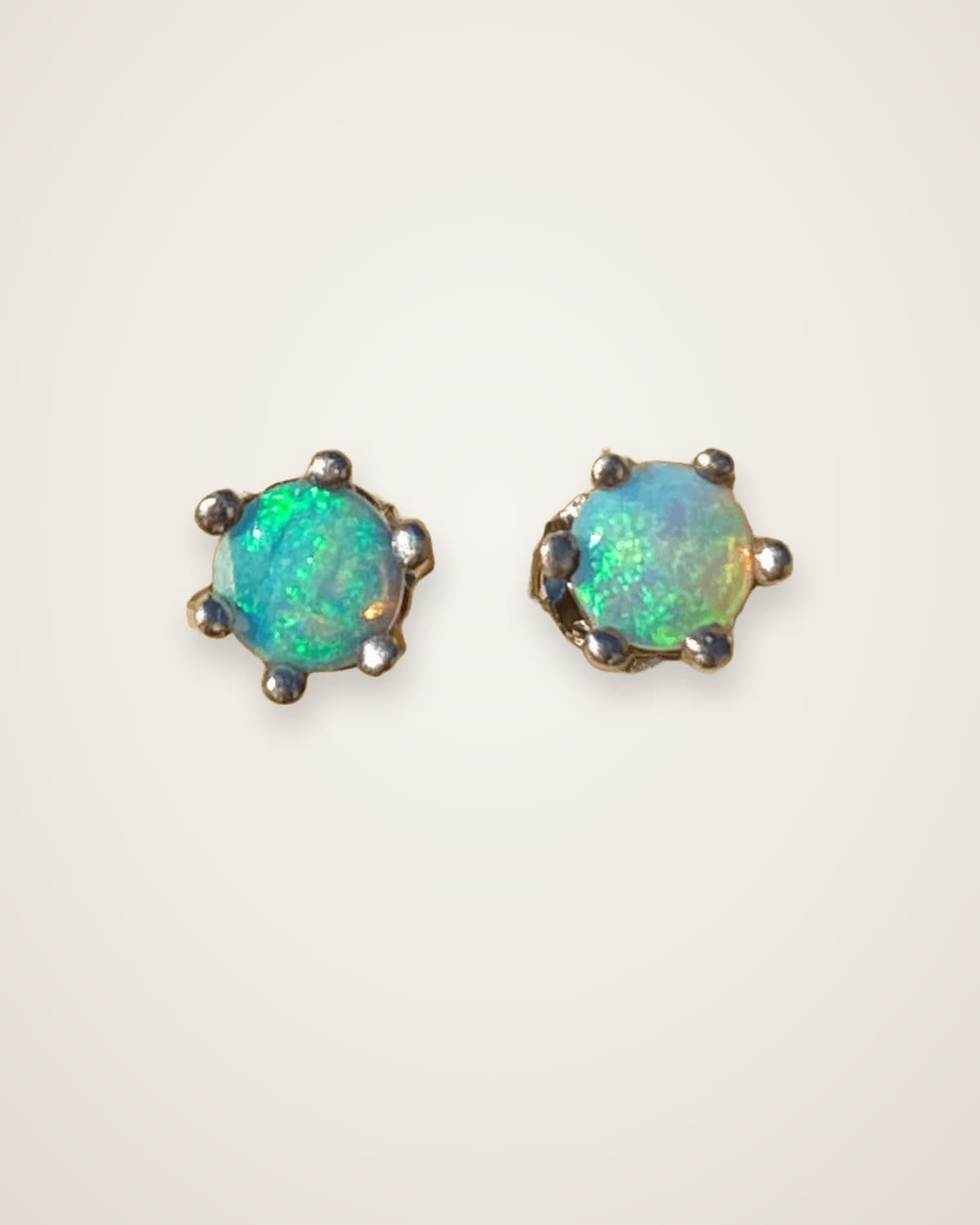
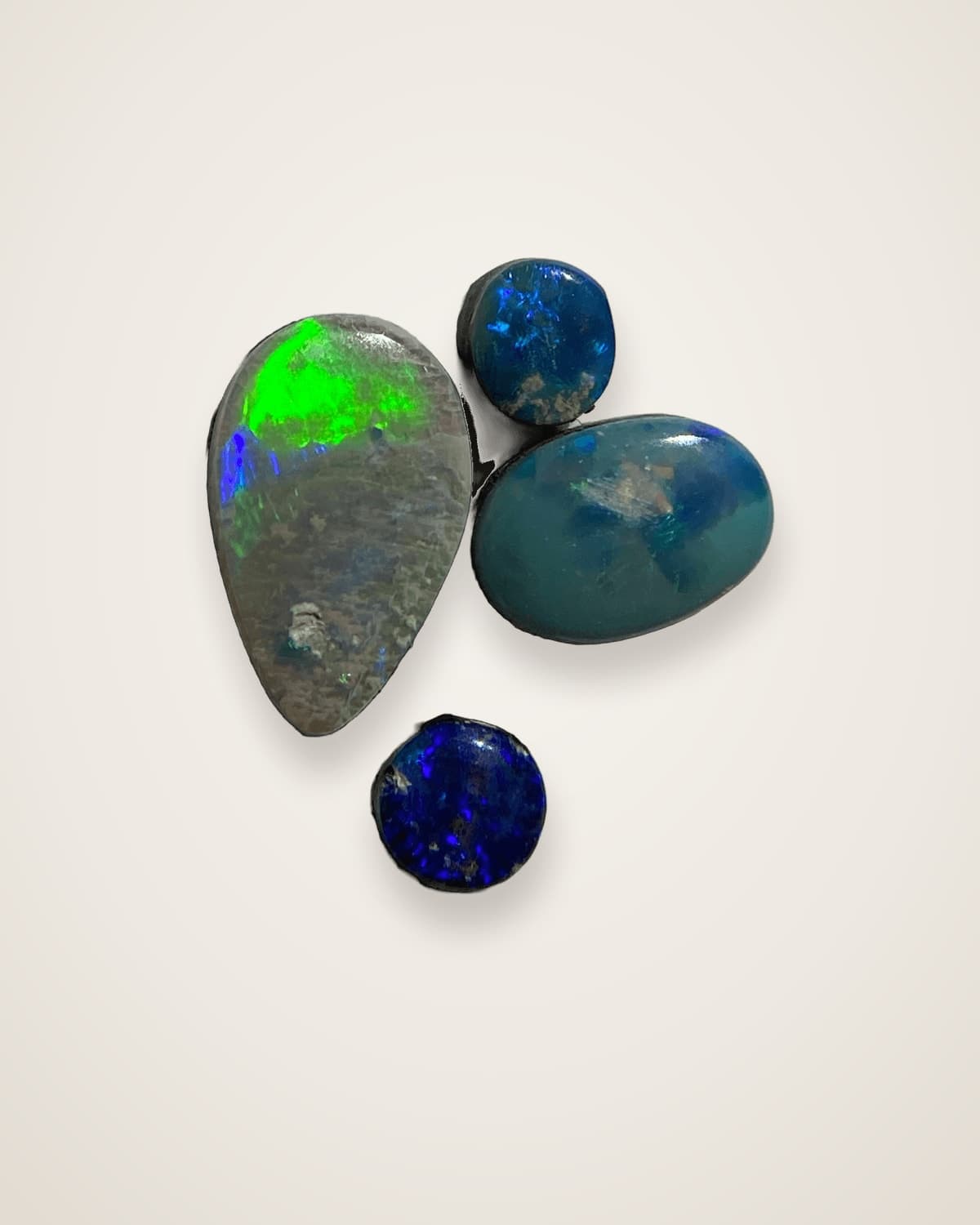
Opal looks different in photos because its play of colour changes with the angle of the light and your viewing angle, and a photo freezes just one of those angles. Cameras also adjust colour and brightness automatically, and every screen shows colour differently. So the same opal can look brilliant in one photo and flat in the next.
Why does opal change colour when it moves?
Opal's colour comes from light bending around tiny silica spheres stacked inside the stone, not from a pigment. Change the angle of the light or your eye, and different colours flash on and off.
Precious opal is made of microscopic spheres of silica packed in an orderly pattern. When light passes between them it diffracts, splitting into spectral colours. The size of the spheres decides which colours can appear, and the angle decides which ones you see at any moment.
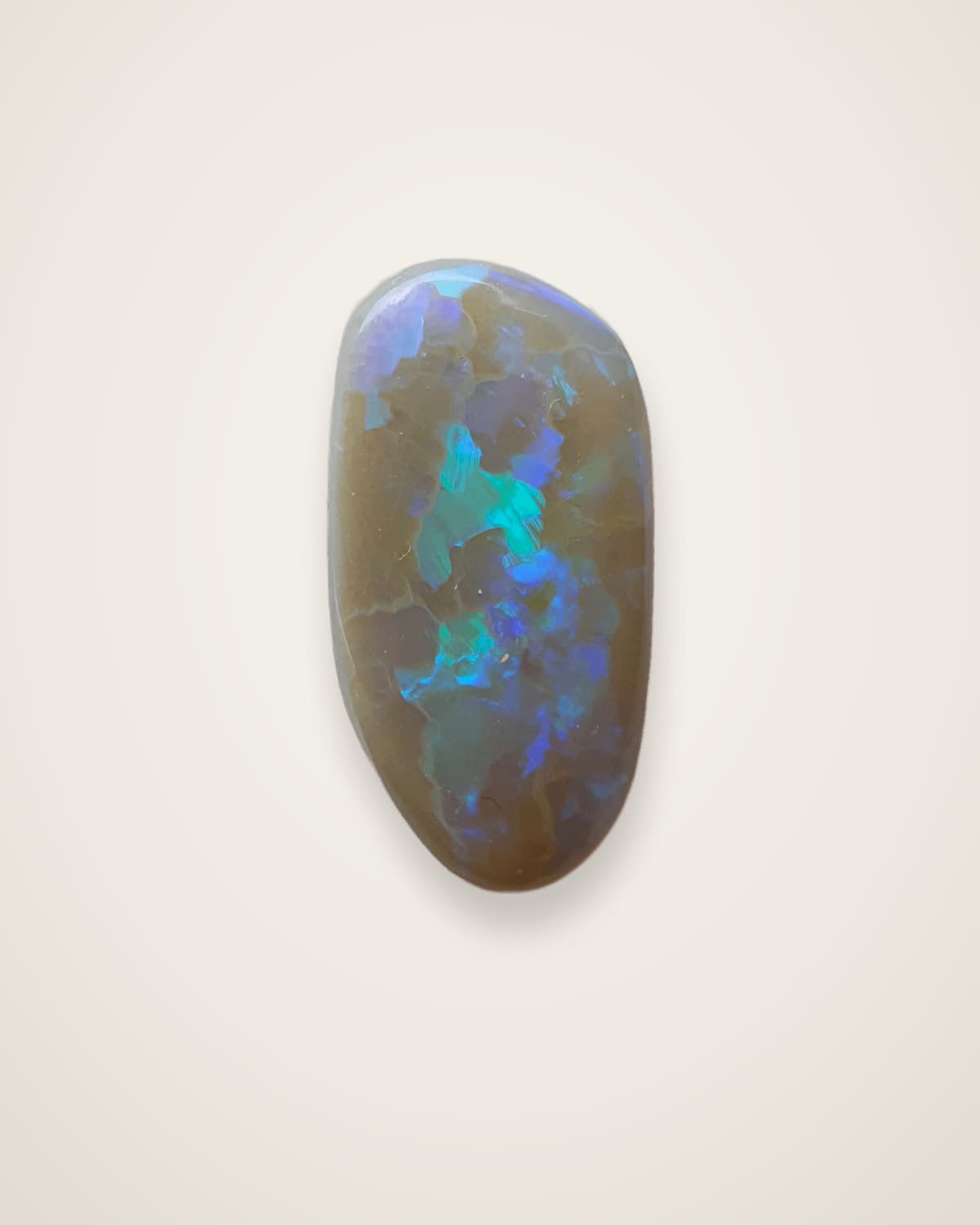
That's why opal is described as having play of colour. It's a moving effect. A single still photo can only ever show one frame of it, and I've often found that sometimes a photo just doesn't do it justice.
Why do opal photos look different from real life?
A photo captures one viewing angle, under one light, through a camera that makes its own decisions. In your hand, you see the stone from many angles at once as it moves.
Several things change the result:
- The angle. A stone photographed straight on may hide colour that appears when it's tilted.
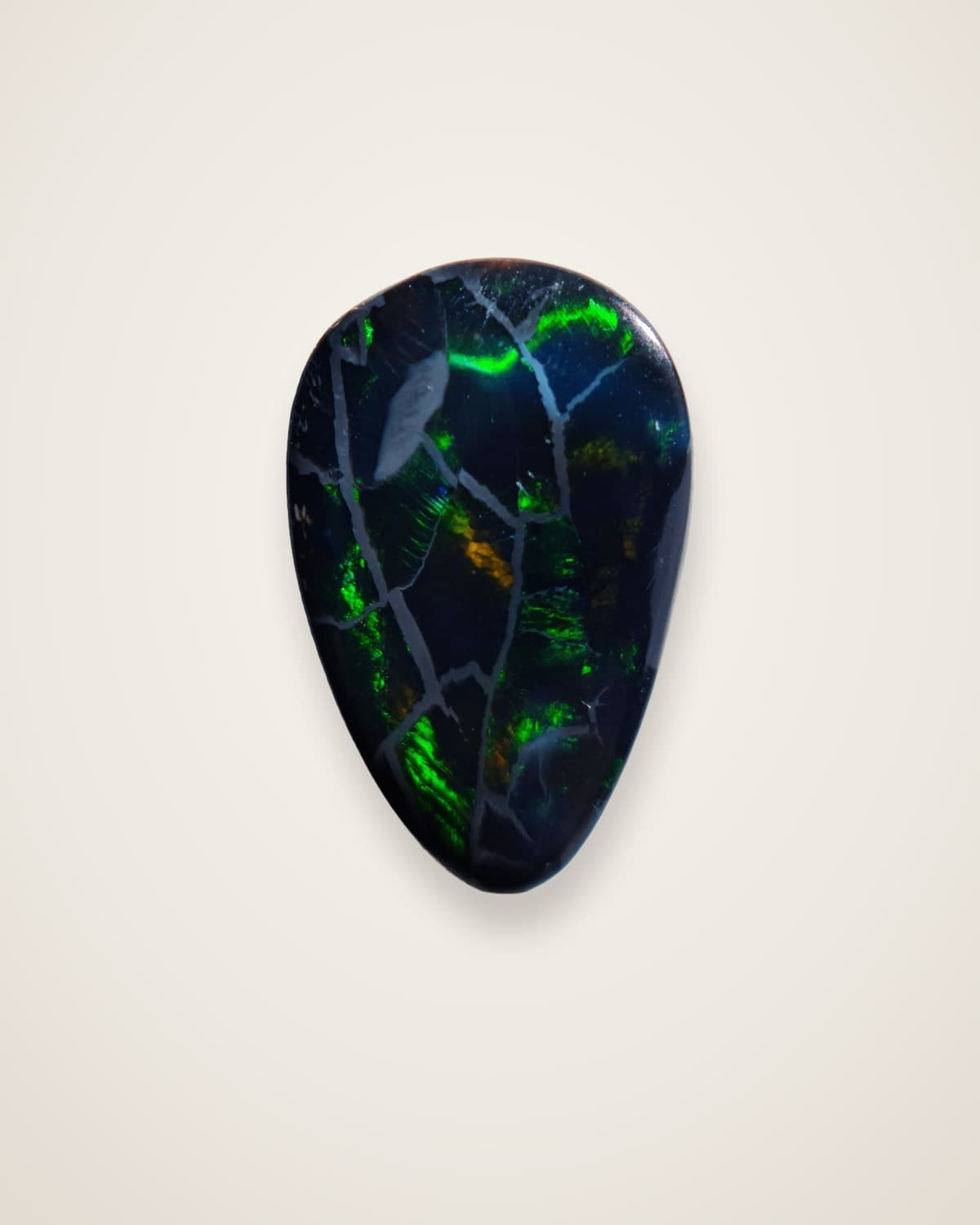
- The light source. Bright, direct light makes colour flash hard. Soft, diffused light shows body tone more truly but quietens the colour.
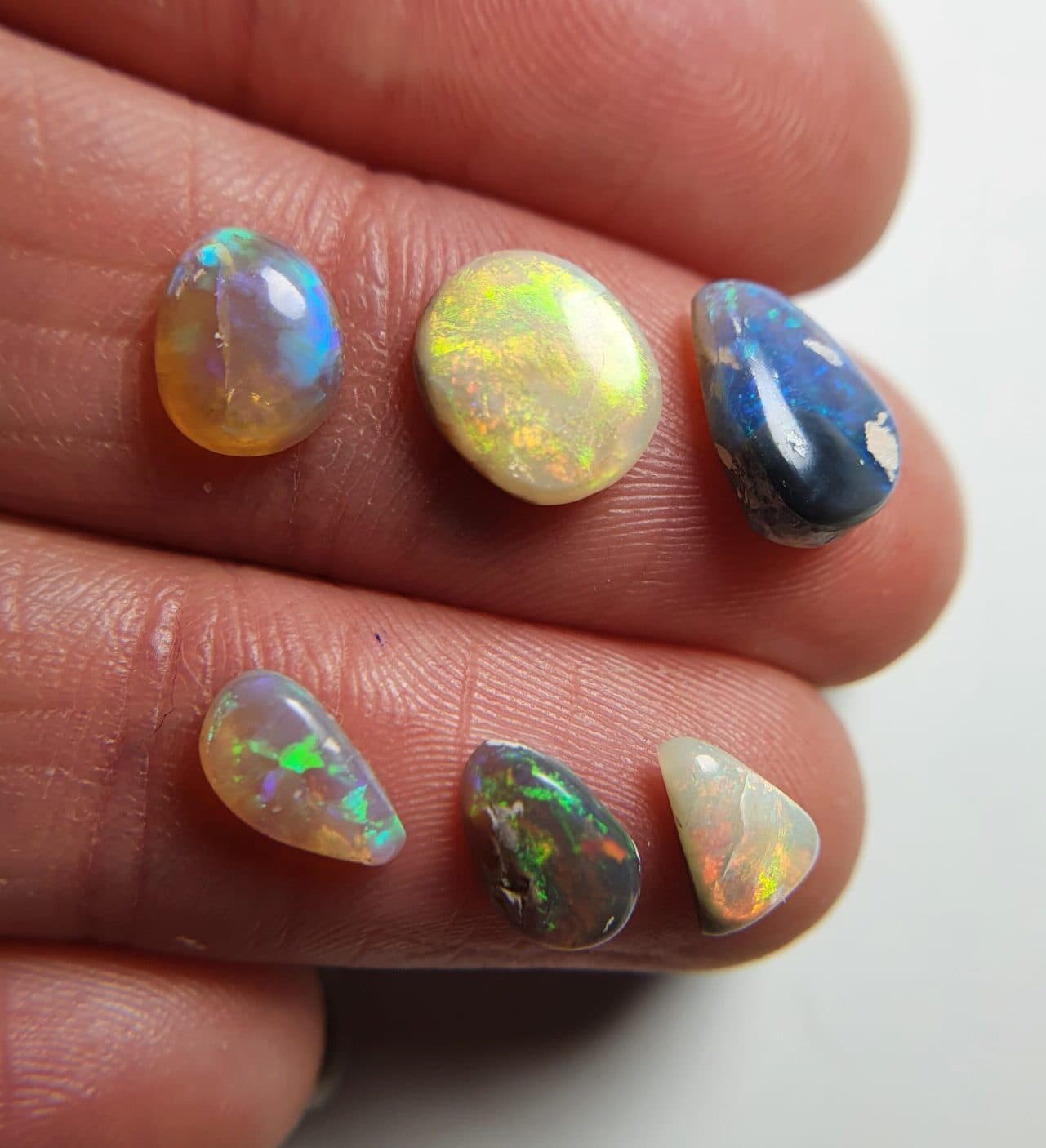
- The background. Crystal opal is see-through, so what sits behind it changes its look. The same parcel can look quite different held in a hand and laid on a black background.
- The distance. Close-up macro shots make small stones look bigger and more detailed than they appear on a finger.
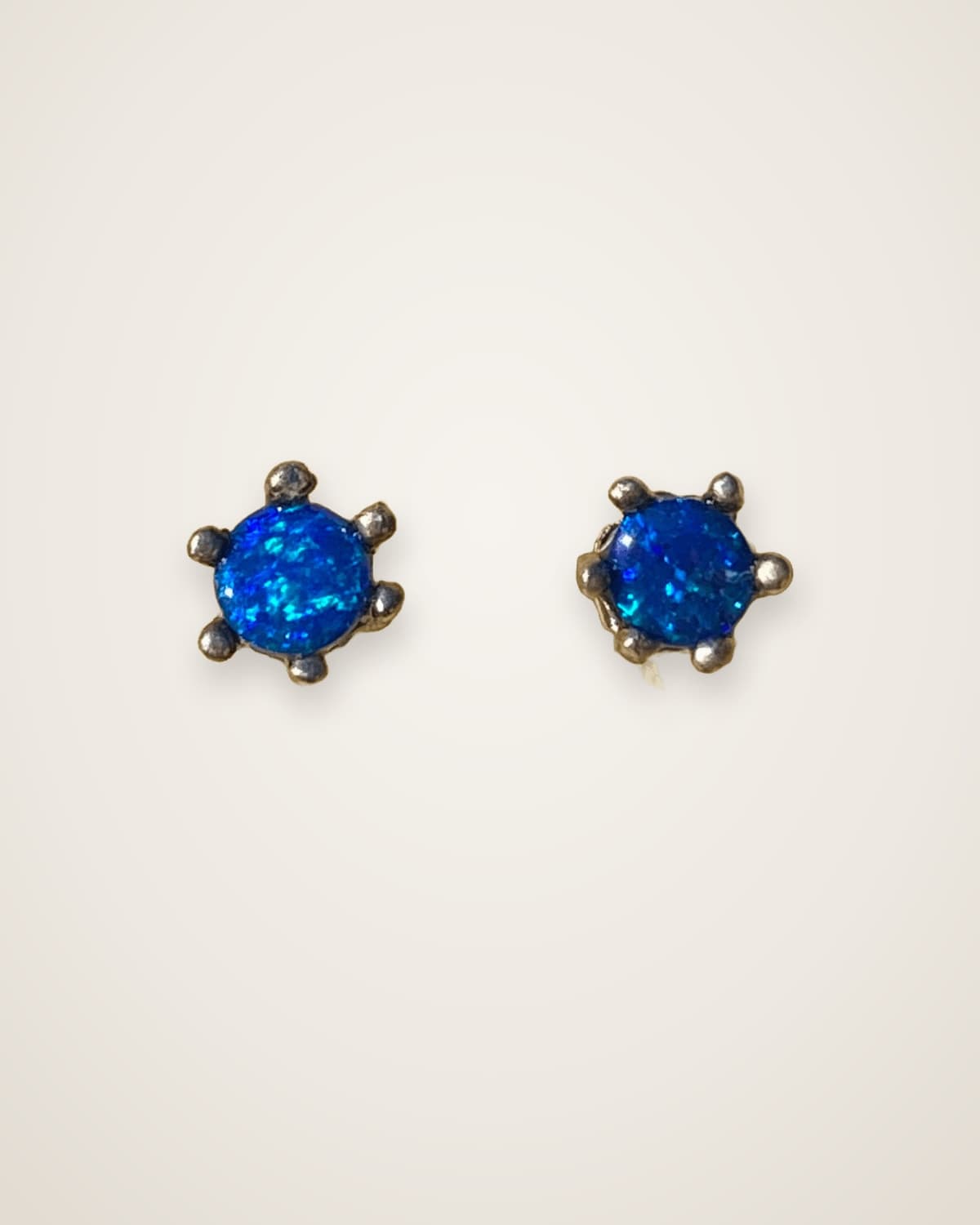
I've posted the same opal in different lighting more than once, including a doublet in bright light and then white light, just to show how much it changes. Same stone, different story.
How do phone cameras change the colour of opal?
Phone cameras automatically adjust exposure, white balance and contrast, and many add sharpening and extra saturation. Those adjustments are made for faces and landscapes, not for a small stone flashing intense colour.
What that can do to opal:
- Bright flashes can turn white. When a patch of colour is brighter than the sensor can handle, it clips and loses its colour.
- Body tone can shift. Auto exposure may lighten a dark stone or darken a light one to reach an average brightness.
- Colours can drift. White balance set by the background or the light can push the whole stone warmer or cooler.
- Colour can look stronger than life. Added saturation can make a modest stone look brighter than it is.
Screens add another layer. Phones, laptops and monitors all display colour differently, so the photo you see isn't quite the photo the seller saw.
How do opal sellers photograph opal well?
A good seller shows the stone honestly: in natural light, from more than one angle, and on video. No single image tells the whole story.
Natural daylight is the most honest light for opal. There's nothing better than natural sunlight to display its full beauty, and I've waited out a week of bad weather for the sun to come back before photographing a new batch. Some stones are simply hard to capture. I once joked that a photo was so hard to take, and that a video took longer to make than the opals did.
Good practice for opal photos looks like this:
- Shoot in natural light where possible, out of harsh midday sun.
- Show several angles, including a tilt, so you can see how the colour moves.
- Include a video with the stone rotating slowly.
- Show the stone at its true size, in a hand or next to a scale, as well as close up.
- Describe what the camera can't, such as body tone, brightness, type and origin.
How should you judge an opal you're buying online?
Use the photos to see the stone's character, then rely on the video and description for the rest. Treat a single, dazzling photo with caution and look for consistency across images.
- Look for more than one photo. If the colour looks similar across several images, that's a good sign.
- Watch the video. It shows how the colour rolls across the face of the stone, which no still can.
- Check the body tone in the softer, diffused shots rather than the brightest one.
- Read the details. Type, origin, size and whether it's solid, a doublet or a triplet should be stated.
- Ask questions. If something isn't clear, ask before you buy. You can reach us through our contact page.
My older post with top 10 tips for buying opal jewellery online has more on what to look for. When you're ready to compare stones, browse the store and check our shipping and returns pages before you order.
Questions people ask
Why does my opal look duller than the photo?
The photo was probably taken in brighter, more direct light, or the camera added saturation. Look at your opal in daylight and tilt it slowly; its colour often appears at different angles than the photo showed.
What is the best light to photograph opal in?
Natural daylight gives the most honest picture. Bright direct light makes colour flash harder, so a mix of daylight and a direct light shot shows both sides of the stone.
Why do opals look different on video?
Video shows the stone moving, so you see colour appear and disappear as the angle changes. It's the closest thing to holding the opal yourself.
Do opal photos get edited?
Phone cameras process every photo automatically, and some sellers edit further. Ask for an unedited video if you want to see the stone as it really is.
Is body tone accurate in photos?
Not always. Auto exposure can make a dark stone look lighter or a light stone look darker, so judge body tone from several images and the description.